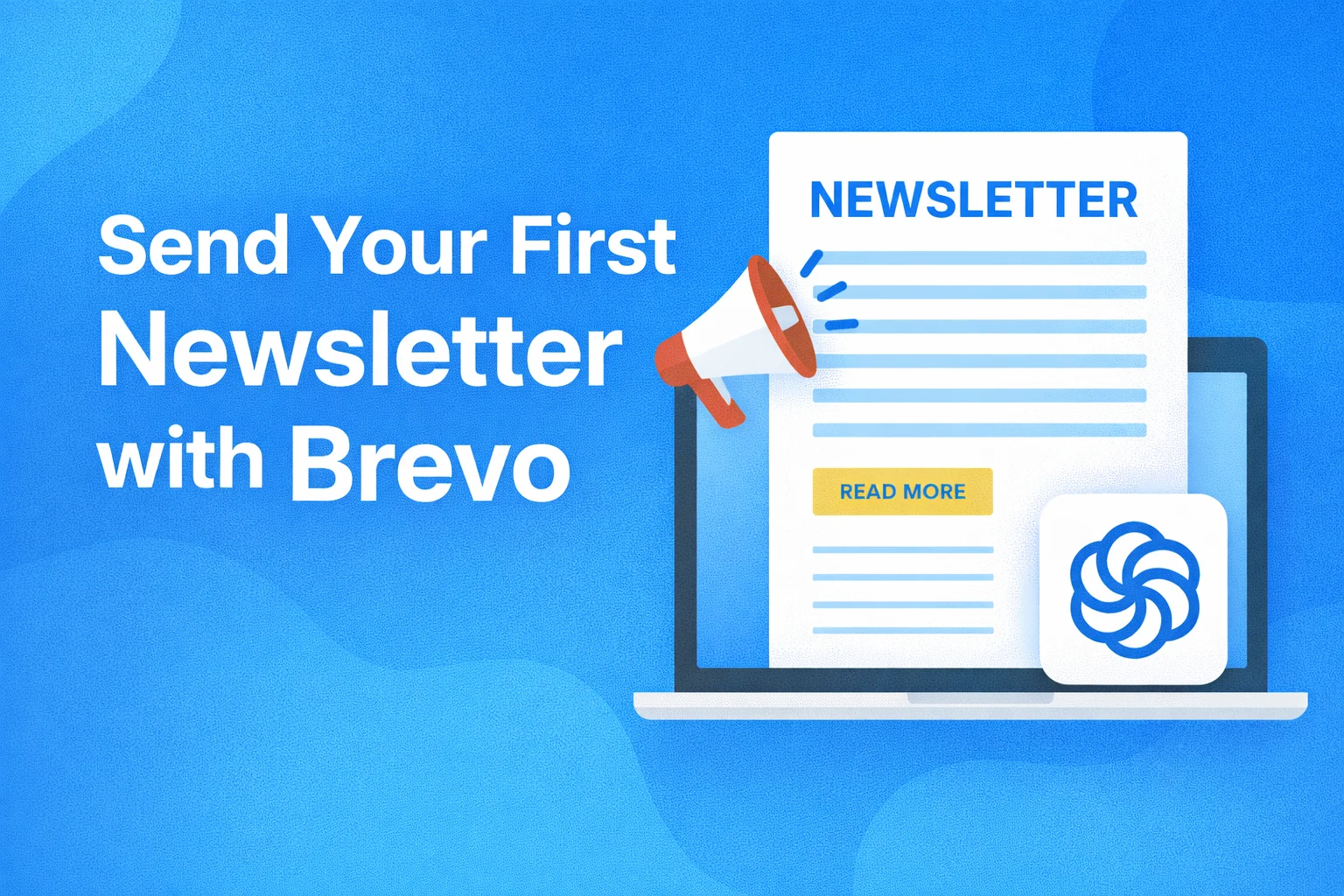
How to Send Your First Newsletter with Brevo
Sending your first newsletter is a defining moment in any email marketing journey. It’s where strategy meets execution — where your message, your audience, and your tools all come together. Brevo (formerly Sendinblue) has become a popular choice for beginners and growing businesses because it removes much of the complexity while still offering professional-grade features.
In this guide, I’ll walk you through exactly how to send your first newsletter with Brevo, step by step, while also sharing expert insights on why each step matters. This isn’t just about clicking buttons — it’s about setting the right foundation for long-term deliverability, engagement, and growth.
Why Brevo Is a Strong Choice for Your First Newsletter
Before diving into the setup process, it’s important to understand why Brevo works so well for beginners.
Brevo stands out because:
- It allows unlimited contacts, even on free plans
- You pay based on emails sent, not subscribers
- The interface is clean and intuitive
- It combines email marketing, CRM, automation, and SMS in one platform
- Deliverability is strong when best practices are followed
For first-time newsletter senders, these advantages remove common barriers like pricing pressure and technical overwhelm.
Step 1: Prepare Before You Create the Newsletter
Most beginners rush straight into designing emails. That’s a mistake.
A successful newsletter starts before you open Brevo’s editor.
Define the Purpose of Your Newsletter
Ask yourself:
- Is this a welcome newsletter?
- A weekly update?
- Educational content?
- Promotional or product-focused?
Your purpose determines:
- The tone of the message
- The length of the email
- The call-to-action (CTA)
For your first newsletter, keep it simple and value-focused.
Know Your Audience
Even if your list is small, clarity matters.
Identify:
- Who subscribed and why
- What problem they want solved
- What kind of content they expect
Brevo allows segmentation later, but clarity now prevents generic messaging.
Step 2: Set Up Your Sender Information in Brevo
Sender identity directly affects trust and open rates.
Create a Professional Sender Profile
In Brevo:
- Go to Settings → Senders
- Add:
- Sender name (e.g., Jawad from Fozur Online)
- Email address (preferably domain-based)
Avoid:
- noreply@
- generic or unfamiliar names
People open emails from humans, not systems.
Authenticate Your Domain (Very Important)
Domain authentication improves inbox placement.
Brevo provides:
- SPF
- DKIM
Follow their setup instructions with your domain provider.
This step alone can dramatically reduce spam placement.
Step 3: Build or Import Your Contact List
Your newsletter is only as good as the list you send it to.
Use Permission-Based Contacts Only
Your list should include:
- Website subscribers
- Lead magnet signups
- Customers who opted in
Never use:
- Purchased lists
- Scraped emails
Brevo is strict about list quality — and rightly so.
Organize Contacts with Lists or Tags
Before sending your first newsletter:
- Create a list like “Newsletter Subscribers”
- Or apply a tag such as newsletter-optin
This keeps targeting clean and scalable.
Step 4: Create Your First Newsletter in Brevo
Now comes the hands-on part.
Navigate to the Campaign Builder
In your Brevo dashboard:
- Go to Campaigns → Email Campaigns
- Click Create an Email Campaign
Give your campaign a clear internal name (for reporting later).
Write a Strong Subject Line
Your subject line decides whether the email gets opened.
Best practices:
- Keep it under 50 characters
- Make it specific
- Focus on value, not hype
Examples:
- “Welcome to Our Newsletter – Here’s What to Expect”
- “3 Simple Tips to Improve Your Email Marketing”
Avoid:
- Clickbait
- ALL CAPS
- Excessive emojis
Add Preview Text
Preview text supports your subject line.
Use it to:
- Expand the promise
- Add curiosity
- Clarify the value
Many inboxes display this — don’t waste it.
Step 5: Design Your Newsletter Using Brevo’s Editor
Brevo’s drag-and-drop editor is one of its strongest features.
Choose a Template or Start from Scratch
For your first newsletter:
- Use a simple pre-designed template
- Or start with a clean layout
Less design often performs better than over-designed emails.
Structure Your Newsletter for Readability
A proven structure:
- Friendly opening
- Clear main message
- One primary CTA
- Soft closing
Keep paragraphs short.
Use whitespace.
Avoid clutter.
Personalize Where It Matters
Use personalization tags like:
- First name
- Location (if available)
Example:
“Hi {{ contact.FIRSTNAME }}, thanks for joining us!”
Even light personalization improves engagement.
Step 6: Add a Clear Call-to-Action (CTA)
Every newsletter should guide readers toward one main action.
Examples:
- Read a blog post
- Download a resource
- Visit a landing page
- Reply to the email
Make your CTA:
- Clear
- Visible
- Action-oriented
Avoid multiple competing CTAs in your first newsletter.
Step 7: Review Compliance and Footer Settings
Brevo automatically includes compliance elements, but always double-check.
Your footer should include:
- Physical business address
- Unsubscribe link
- Preference management link
This builds trust and keeps you compliant with email laws.
Step 8: Test Your Newsletter Thoroughly
Never skip testing.
Send a Test Email
Check:
- Formatting on desktop and mobile
- Broken links
- Spelling or grammar errors
- CTA functionality
Brevo makes it easy to send test emails to yourself or teammates.
Preview in Multiple Devices
Many subscribers read emails on mobile.
Make sure:
- Text is readable
- Buttons are clickable
- Images load properly
Step 9: Choose the Right Sending Strategy
Send Immediately or Schedule
For your first newsletter:
- Send during business hours
- Avoid late nights or weekends initially
Once you gather data, you can optimize timing.
Start with a Smaller Segment (Optional but Smart)
If your list is large:
- Send to your most engaged contacts first
- Monitor results
- Then expand
This protects deliverability.
Step 10: Send Your First Newsletter
Once everything is reviewed:
- Click Send or Schedule
- Brevo will handle delivery and tracking
This moment is important — but it’s just the beginning.
Step 11: Analyze Performance in Brevo
After sending, head to the Campaign Analytics section.
Key metrics to monitor:
- Open rate
- Click-through rate
- Bounce rate
- Unsubscribes
Don’t obsess over numbers — look for patterns.
Expert Insights: What Beginners Often Get Wrong
Mistake 1: Overloading the Email
Too much content overwhelms readers.
Focus on one idea.
Mistake 2: Selling Too Soon
Your first newsletter should build trust, not push sales aggressively.
Mistake 3: Inconsistent Sending
Newsletters work best when readers know what to expect.
Consistency beats frequency.
How Brevo Helps You Improve Over Time
As you grow, Brevo allows you to:
- Segment subscribers based on behavior
- Automate welcome newsletters
- A/B test subject lines
- Track long-term engagement
- Integrate SMS and CRM data
You don’t outgrow Brevo quickly — it grows with you.
Final Thoughts: Your First Newsletter Is a Foundation
Your first newsletter doesn’t need to be perfect — it needs to be intentional.
By using Brevo thoughtfully:
- You protect deliverability
- Build trust with subscribers
- Create a repeatable system for growth
Email marketing success isn’t about sending more emails — it’s about sending better ones. And Brevo gives you the tools to do exactly that